
Versions & updates
What you can use today, and what we are preparing next.
Information updated ·
Available on the App Store
1.0 · Available now
Released ·
1.1 Update preview
These features are a preview of 1.1 and are not included in the current App Store version. Final features and availability will be confirmed at release.
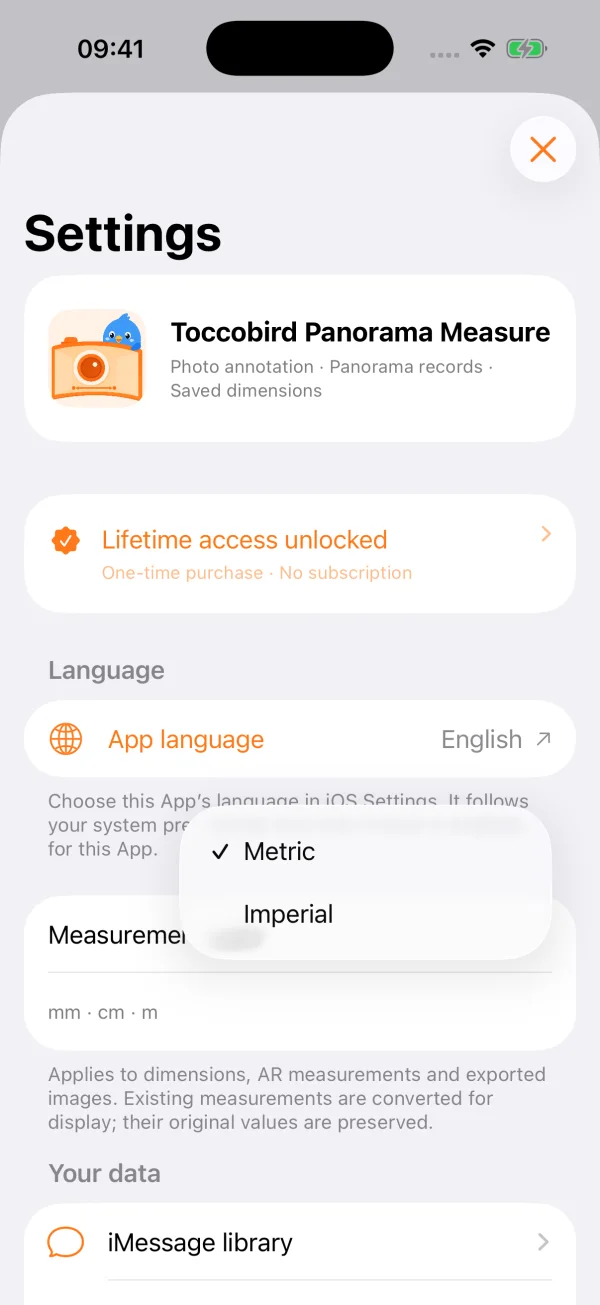
One preference for metric or imperial
Choose mm, cm and m, or decimal inches and feet. Dimension annotations, AR defaults and exported images follow your preference. Switching display units preserves the original values of existing measurements.
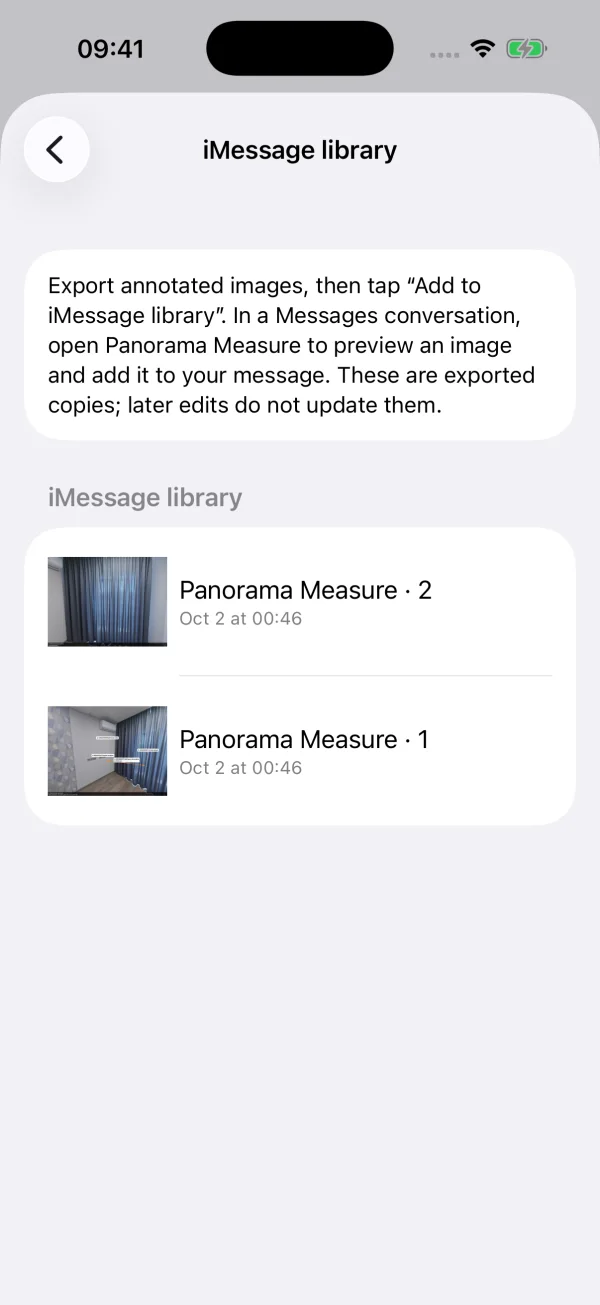
Bring annotated images to iMessage
Add selected exports to the iMessage library, then preview an image in Messages and add it to a draft. You decide when to send. These are copies: edits require a new export, and removing a copy does not delete the original photo.
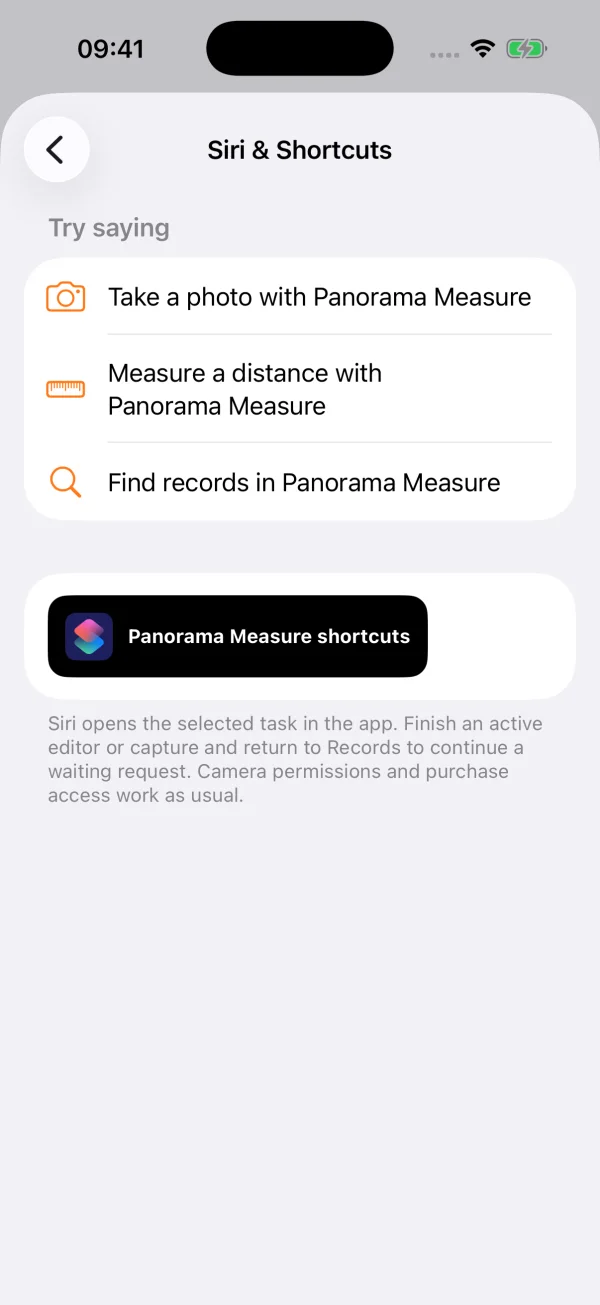
Start with Siri and Shortcuts
Open photo annotation, AR measurement or keyword-based record search. Camera permissions, device capabilities and creation access still apply. A pending request waits until you return to Records from an active editor.
A quick photo task with App Clip
Take a photo, choose two endpoints, enter an on-site dimension and share the annotated image. Use multiple dimensions, undo, landscape and either unit system, then hand an editable photo to the full app. The online invocation entry is not available yet.
Preview, select, save and share
Improved image export brings preview, selection, saving to Photos or Files, and sharing into one results window. Panoramas export as static views; editable packages preserve the full panorama and annotations.
Add photos while editing
Bring more photos into a record as you work, keeping extra close-ups and site details alongside your existing annotations.
A look at the upcoming interface
1.1 development preview · Actual main-app screens with example records. The unlocked state is for demonstration. The iMessage library and Siri instructions do not indicate that online extension or voice features are available yet.
1.0 · Available now
Version 1.0 is available for iPhone and iPad, with panorama annotation, photo dimensions, compatible camera imports, project organization, JPEG handovers and complete project backups. Actively claim a 7-day free trial, then unlock once. No subscription or automatic charge.
Insta360 and DJI OSMO 360 connections are experimental and depend on model, firmware and capture mode. AR / LiDAR depends on your hardware. Verify important dimensions on site before installation or construction.
Usage & compatibility